Overview
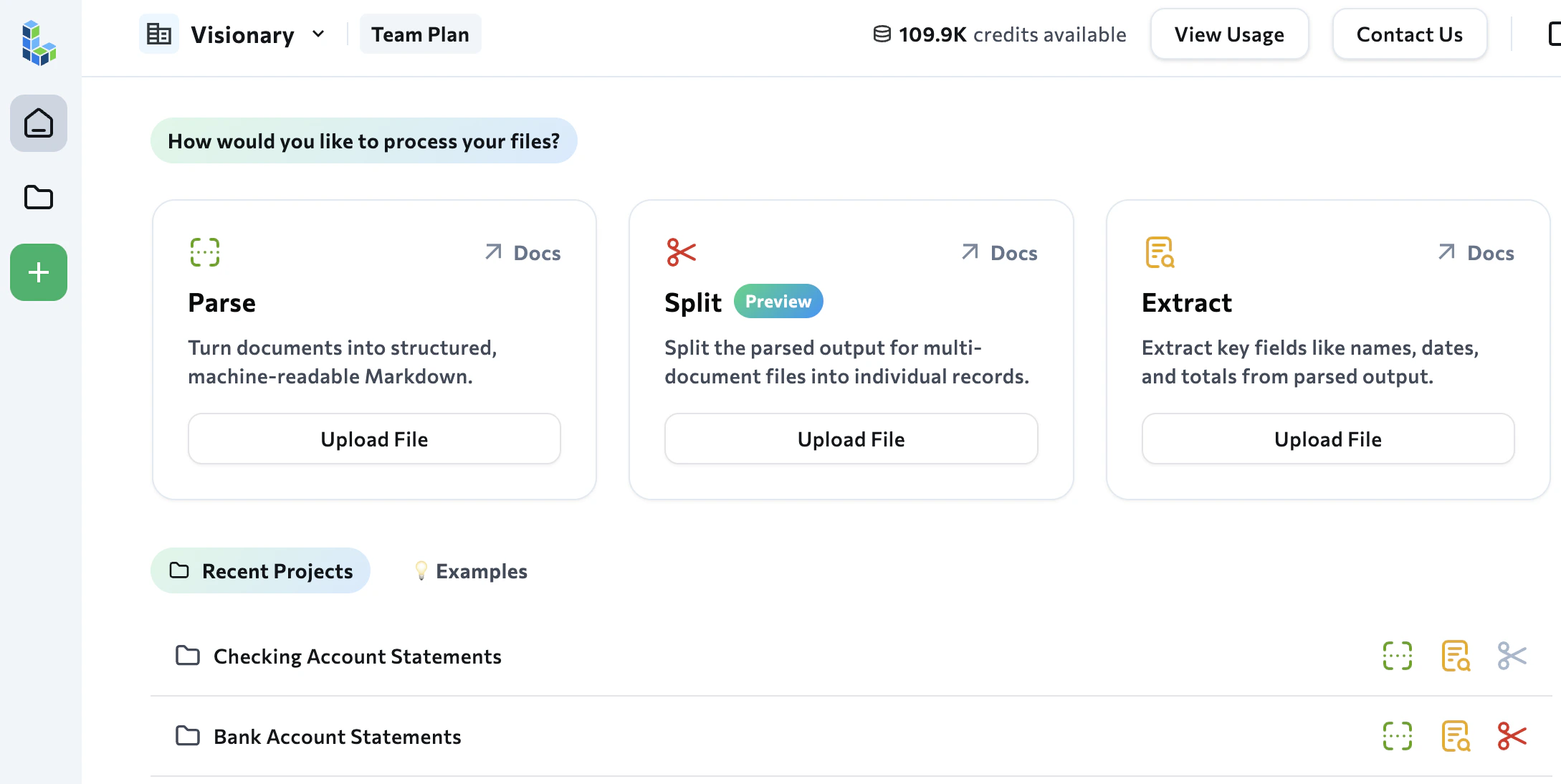
The Agentic Document Extraction Playground is a web-based application that lets you quickly try out our APIs without writing any code. You can run the Parse, Extract, Classify, Section, and Split tools on your documents and see the output directly in the interface.The Playground’s model drop-down menu defaults to DPT-3 Pro, the ADE Gen2 model. To parse with DPT-2 and get the output described in these Gen1 docs, select a DPT-2 model.
From Playground to Production
If you’re new to Agentic Document Extraction, start with the Playground rather than jumping straight into the APIs. The Playground gives you an immediate, visual way to explore what Parse, Extract, Classify, Section, and Split can do with your specific documents. Use the Playground to:- Test your use case before writing any code. Upload your actual documents and see how Agentic Document Extraction handles them. Can it parse faxed medical records? Extract supplier IDs consistently across invoices from different vendors? Handle long financial tables in earnings reports? You’ll get immediate answers.
- Build extraction and split schemas visually. The schema wizard guides you through creating, editing, and validating schemas using a point-and-click interface.
- Export production-ready code. Once you’re satisfied with the results, the Playground generates the API or library code you need to replicate the same processing programmatically.
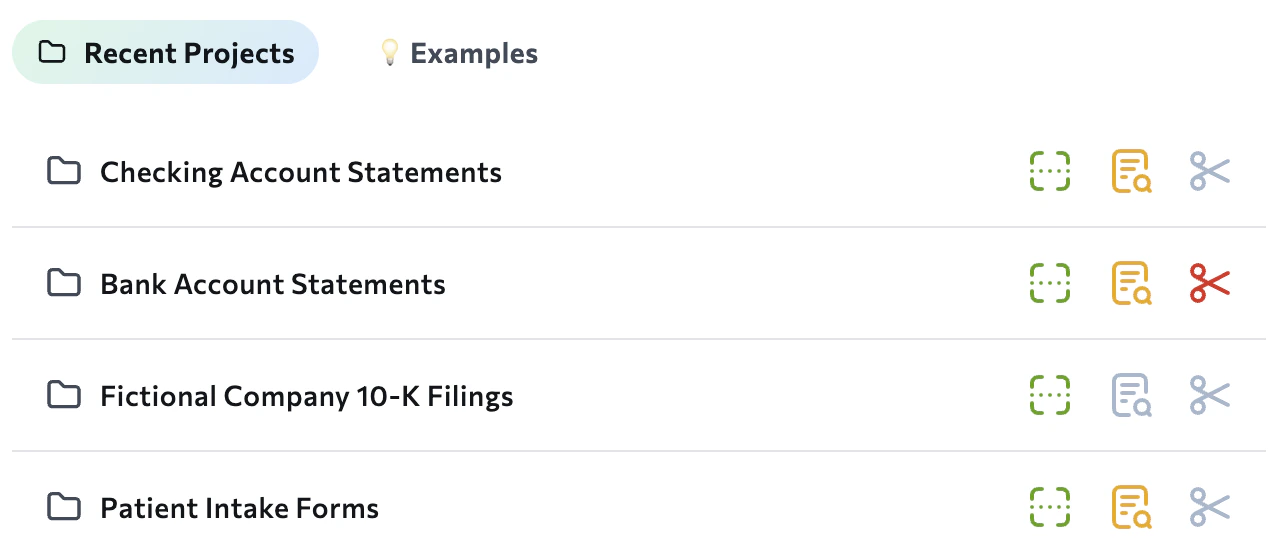
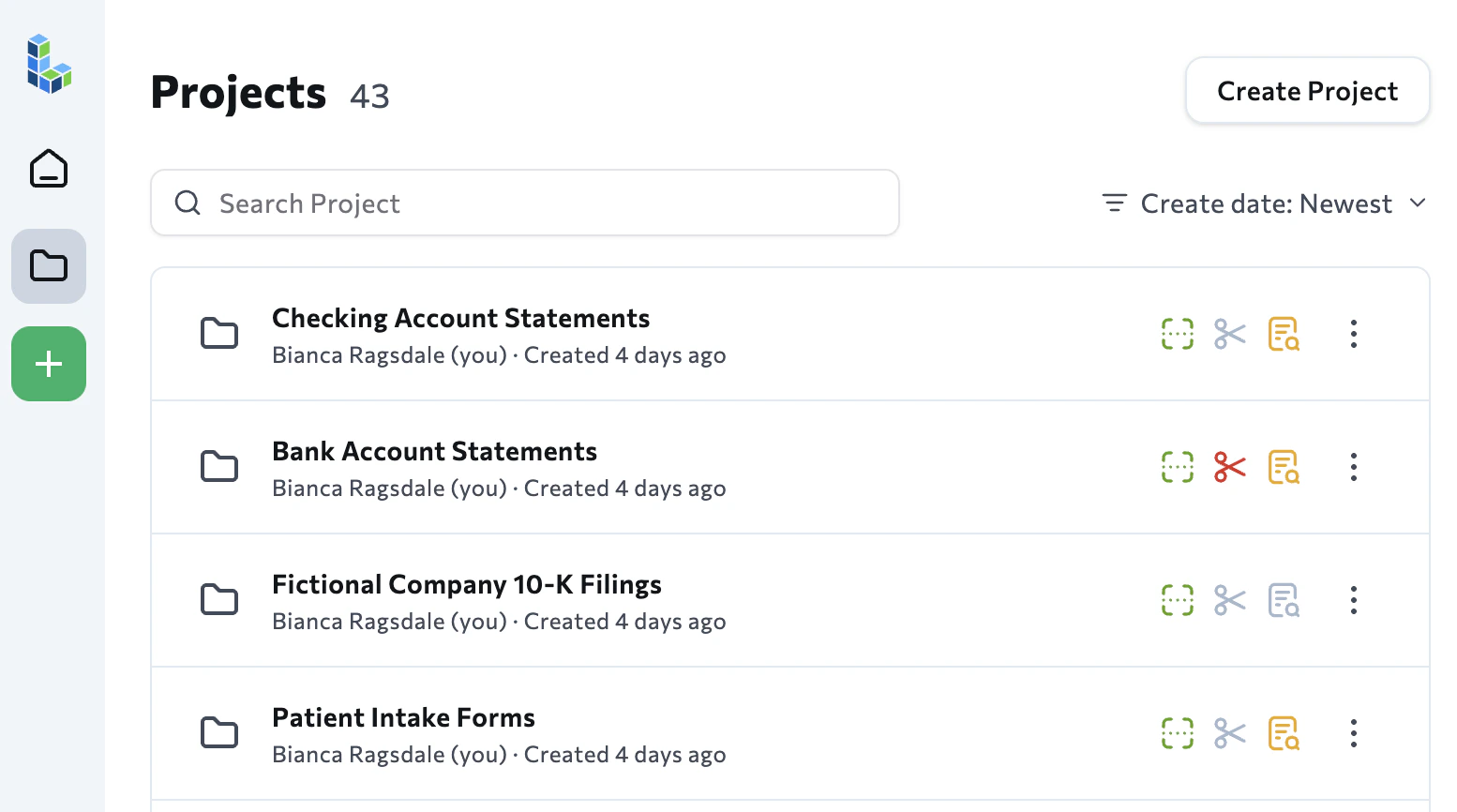
Files Are Organized into Projects
Files in the Playground are organized into projects. Projects let you group similar documents together. You can then create and apply extraction schemas across multiple documents at once.