Use the Playground to upload a document, see what the new Parse API returns, and copy a ready-to-use API snippet before you write any code.Documentation Index
Fetch the complete documentation index at: https://docs.landing.ai/llms.txt
Use this file to discover all available pages before exploring further.
Parse a Document in the Playground
To parse a document with :- Go to the Playground.
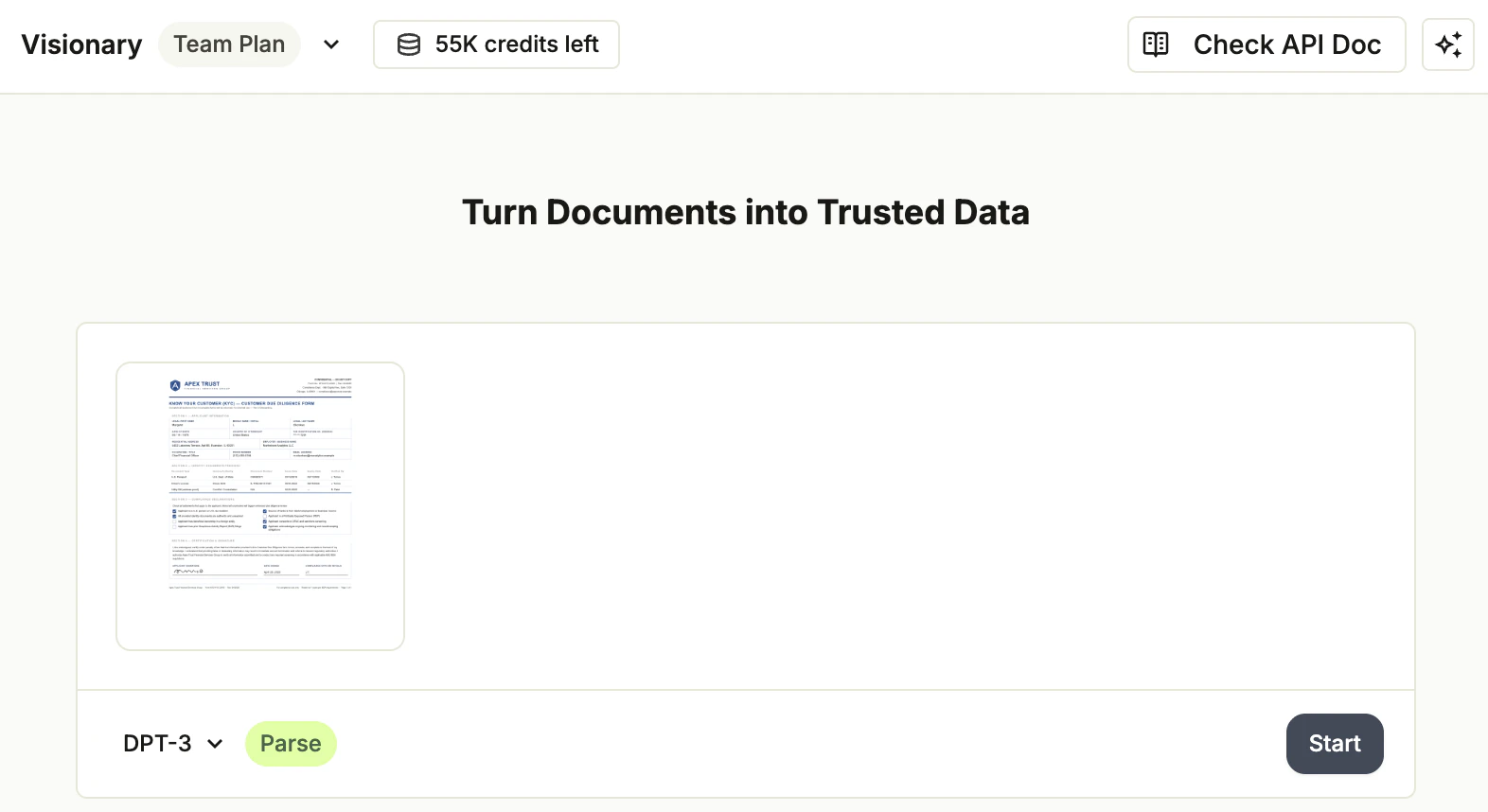
- In the upload card, click the model drop-down menu and select DPT-3.
- Drag and drop your file into the upload area, or click to choose a file.
- Click Start. The Playground processes the file and opens the project view with the parse results.
Review the Results
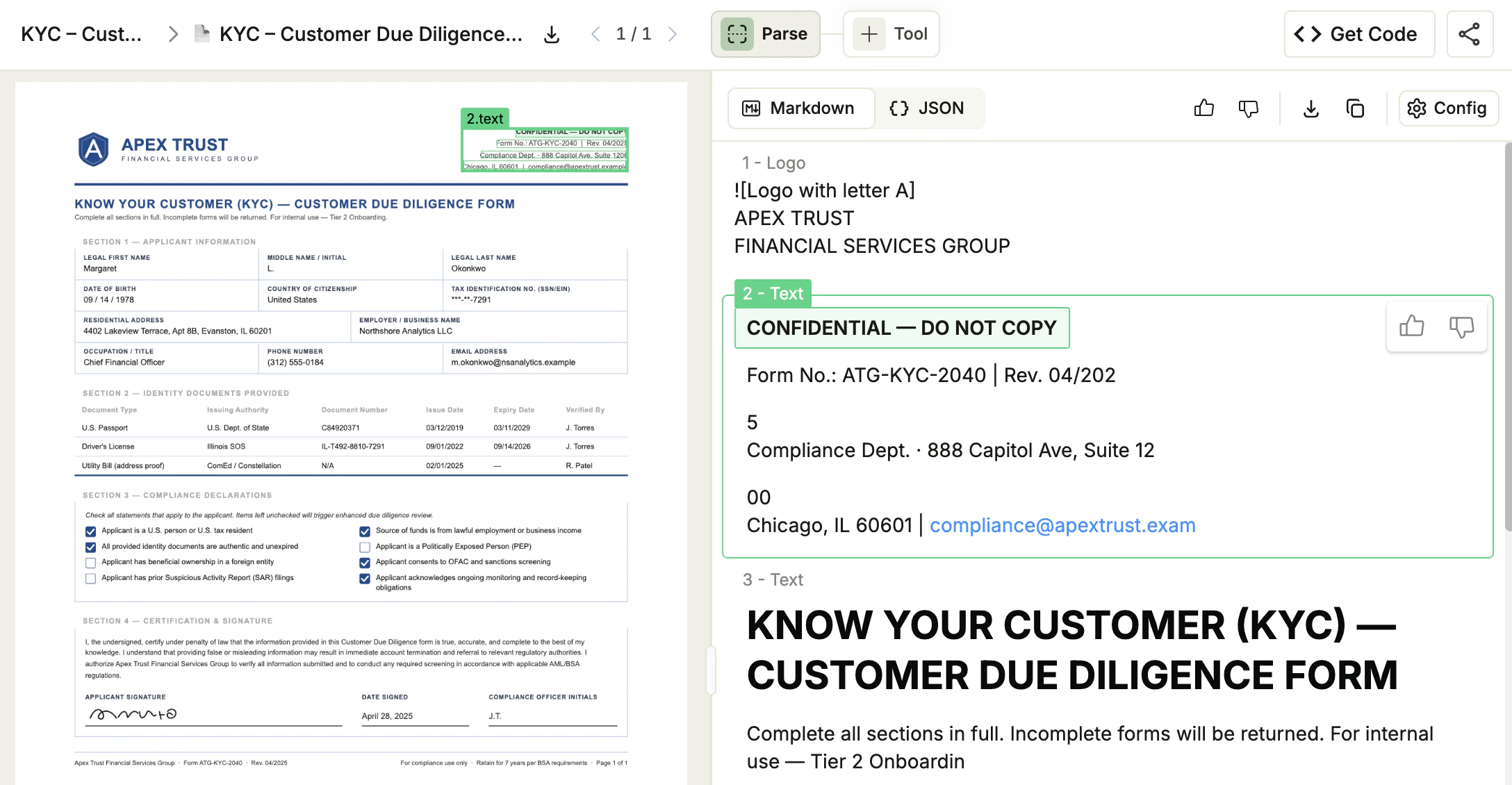
The parse results open in the Parse tab of the project view:- Markdown view (default): The reading-order Markdown rendering of your document. Use this for quick visual review or to copy into a downstream tool.
- JSON view: The full response payload. Use this view to inspect element ids, spans, and grounding coordinates.
- Click an element in either view to highlight its bounding box on the document preview on the left.
- Use the Download and Copy buttons in the toolbar above the result to save or paste the current view.
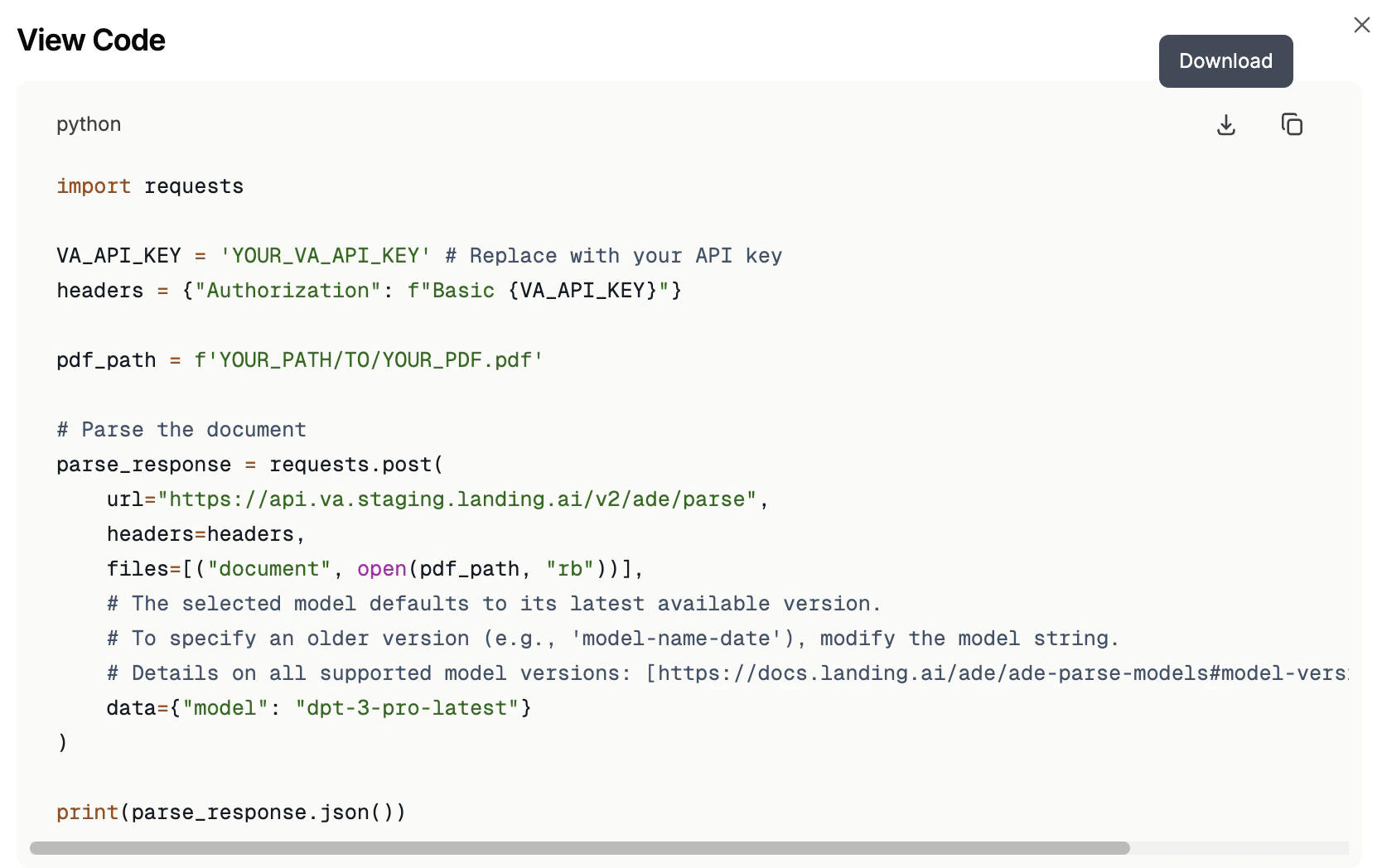
Get a Ready-to-Use Code Snippet
When the parse results match what you need, click Get Code in the project header to open a Python snippet that reproduces the call against the API. Copy it into your own project to parse the same document, or any other, from code.