> ## Documentation Index
> Fetch the complete documentation index at: https://docs.landing.ai/llms.txt
> Use this file to discover all available pages before exploring further.
# Playground
> Process documents with ADE in our Playground, no code required.
export const adePythonLibrary = 'ade-python';
export const dpt2 = 'DPT-2';
export const dpt1 = 'DPT-1';
export const dpt = 'Document Pre-Trained Transformer';
export const companyName = 'LandingAI';
export const extract = 'ADE Extract';
export const parse = 'ADE Parse';
export const ade = 'Agentic Document Extraction';
## Overview
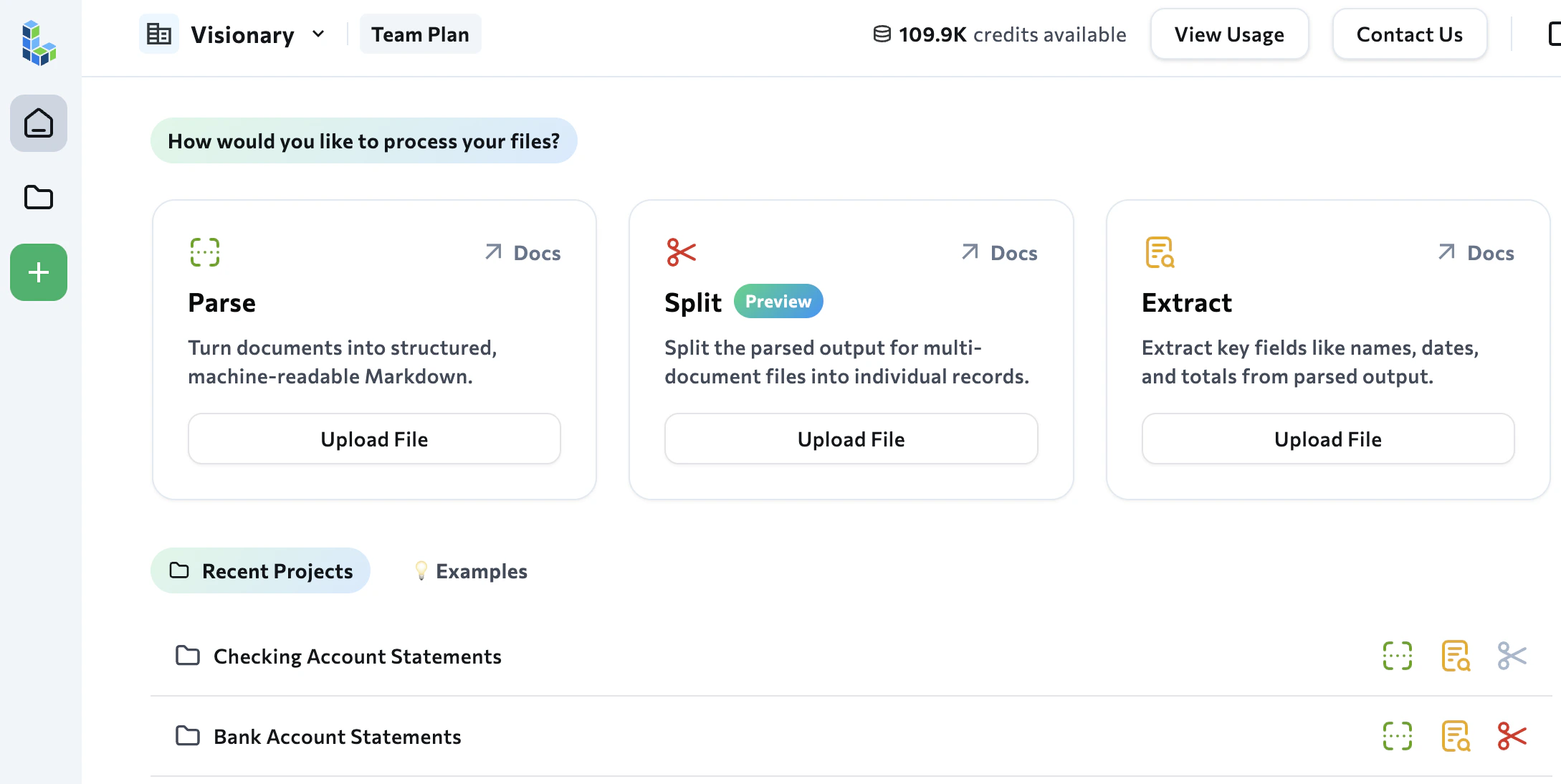
The {ade} [Playground](https://va.landing.ai/) is a web-based application that lets you quickly try out our APIs without writing any code. You can run the [Parse](./ade-separate-apis), [Extract](./ade-extract), [Classify](./ade-classify), [Section](./ade-section), and [Split](./ade-split) tools on your documents and see the output directly in the interface.
 ## From Playground to Production
If you're new to {ade}, start with the [Playground](https://va.landing.ai/) rather than jumping straight into the APIs. The Playground gives you an immediate, visual way to explore what [Parse](./ade-separate-apis), [Extract](./ade-extract), [Classify](./ade-classify), [Section](./ade-section), and [Split](./ade-split) can do with your specific documents.
Use the Playground to:
* **Test your use case before writing any code.** Upload your actual documents and see how {ade} handles them. Can it parse faxed medical records? Extract supplier IDs consistently across invoices from different vendors? Handle long financial tables in earnings reports? You'll get immediate answers.
* **Build extraction and split schemas visually.** The schema wizard guides you through creating, editing, and validating schemas using a point-and-click interface.
* **Export production-ready code.** Once you're satisfied with the results, the Playground generates the API or library code you need to replicate the same processing programmatically.
When you're ready to scale, use the [API](https://docs.landing.ai/api-reference/tools/ade-parse) or the [Python](./ade-python) or [TypeScript](./ade-typescript) libraries. The Playground is not intended for production use and has limitations such as lower rate limits.
## Files Are Organized into Projects
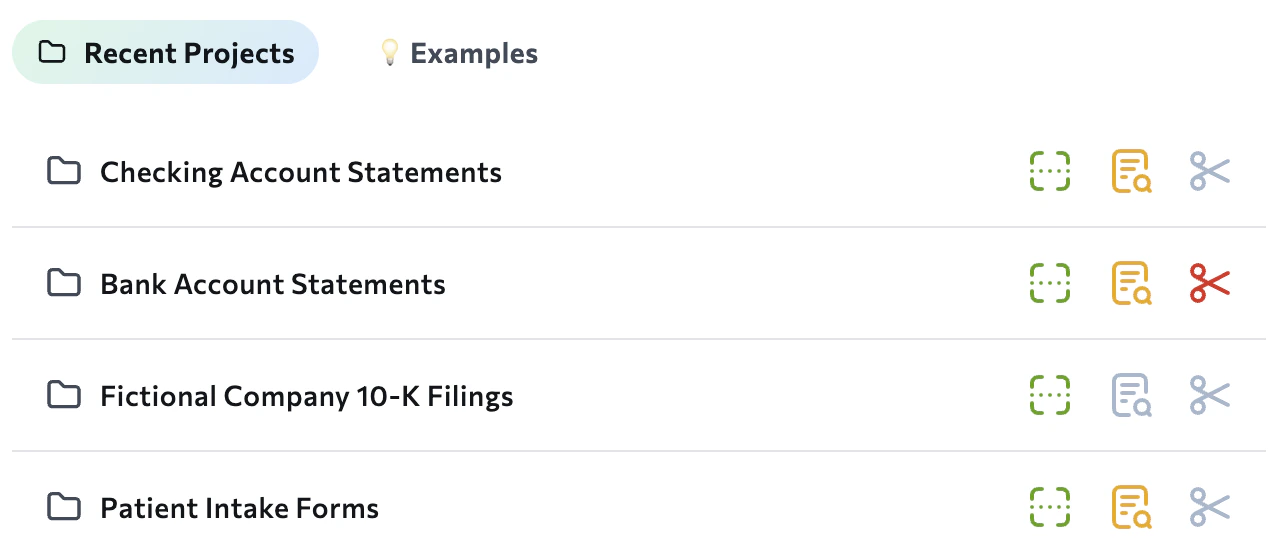
Files in the Playground are organized into **projects**. Projects let you group similar documents together. You can then [create and apply extraction schemas](./ade-extract-playground) across multiple documents at once.
## From Playground to Production
If you're new to {ade}, start with the [Playground](https://va.landing.ai/) rather than jumping straight into the APIs. The Playground gives you an immediate, visual way to explore what [Parse](./ade-separate-apis), [Extract](./ade-extract), [Classify](./ade-classify), [Section](./ade-section), and [Split](./ade-split) can do with your specific documents.
Use the Playground to:
* **Test your use case before writing any code.** Upload your actual documents and see how {ade} handles them. Can it parse faxed medical records? Extract supplier IDs consistently across invoices from different vendors? Handle long financial tables in earnings reports? You'll get immediate answers.
* **Build extraction and split schemas visually.** The schema wizard guides you through creating, editing, and validating schemas using a point-and-click interface.
* **Export production-ready code.** Once you're satisfied with the results, the Playground generates the API or library code you need to replicate the same processing programmatically.
When you're ready to scale, use the [API](https://docs.landing.ai/api-reference/tools/ade-parse) or the [Python](./ade-python) or [TypeScript](./ade-typescript) libraries. The Playground is not intended for production use and has limitations such as lower rate limits.
## Files Are Organized into Projects
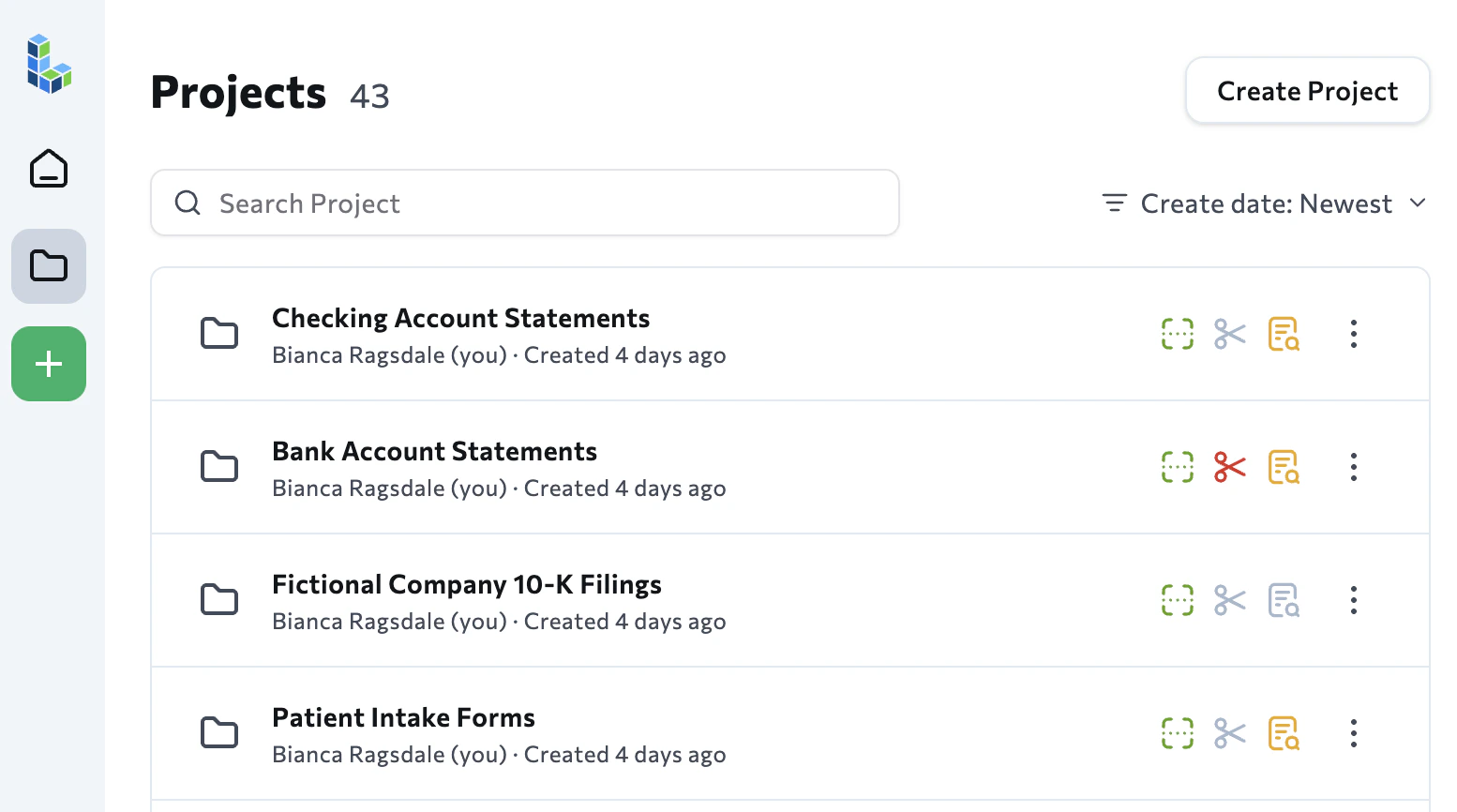
Files in the Playground are organized into **projects**. Projects let you group similar documents together. You can then [create and apply extraction schemas](./ade-extract-playground) across multiple documents at once.
 To view all files you've uploaded to the Playground, click **Projects** in the left navigation bar.
 ## Chat with Document
After the Playground parses a file, you can use the **Chat with Document** tool to interact with the document.
The Chat with Document tool is an LLM layered on top of the output of the {parse} API. The chat tool showcases how the API accurately parses and understands document data, including element locations. Use the chat tool to get inspired for how you can build custom solutions on top of the API.
The Chat with Document tool suggests a few prompts based on your document. You can also enter your own prompts.
Like the Playground itself, the Chat with Document tool is an example of what you can build, and is not part of the {ade} API.
## Manage Your Account in the Playground
The Playground is also used to create and manage your account. For more information, go to [Organizations & Members](./ade-members).
## Chat with Document
After the Playground parses a file, you can use the **Chat with Document** tool to interact with the document.
The Chat with Document tool is an LLM layered on top of the output of the {parse} API. The chat tool showcases how the API accurately parses and understands document data, including element locations. Use the chat tool to get inspired for how you can build custom solutions on top of the API.
The Chat with Document tool suggests a few prompts based on your document. You can also enter your own prompts.
Like the Playground itself, the Chat with Document tool is an example of what you can build, and is not part of the {ade} API.
## Manage Your Account in the Playground
The Playground is also used to create and manage your account. For more information, go to [Organizations & Members](./ade-members).